Developer overview
A comic generation API for application developers.
The LlamaGen Comic API exposes authenticated generation, status, upload, usage, panel-regeneration, and continuation workflows over HTTP.
Use REST from product code or MCP from compatible agent clients. ComicsAPI provides evaluation and examples; LlamaGen hosts the API and authoritative documentation.
Get a key and open the docsAccount, API key, usage, and billing open on LlamaGen.AI.
Direct answer
The decision this page is for.
Last verified:
Developers integrate the LlamaGen Comic API over HTTPS with a server-side Bearer token. Create a generation, store its ID, then poll or accept webhooks until the job is PROCESSED or FAILED. MCP is available for compatible agents; REST remains the application path.
Verifiable request
Minimal authenticated request
const response = await fetch("https://api.llamagen.ai/v1/comics/generations", {
  method: "POST",
  headers: {
    Authorization: `Bearer ${process.env.LLAMAGEN_API_KEY}`,
    "Content-Type": "application/json",
  },
  body: JSON.stringify({
    prompt: "A two-character product tutorial in four panels.",
    fixPanelNum: 4,
  }),
});

const generation = await response.json();
Structured response
State your application can route
{
  "id": "gen_abc123",
  "status": "PROCESSED",
  "comics": [
    {
      "page": 0,
      "panels": [
        {
          "panel": 0,
          "caption": "The user completes the product tutorial.",
          "assetUrl": "https://cdn.llamagen.ai/comics/panel-1.webp"
        }
      ]
    }
  ]
}
Output evidence
Inspect the visual result and the machine-readable state.
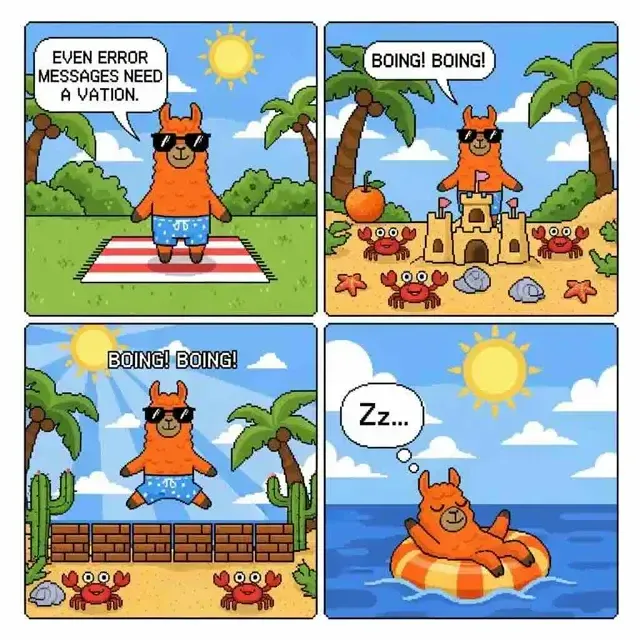
The visual is evidence of the output category. The JSON lets an application correlate the generation, render a preview, store assets, and continue the workflow.
Capability and boundary facts
Facts an integration can verify.
Last verified:
- Endpoint
- POST /v1/comics/generations
- Authentication
- Bearer API key
- Lifecycle
- QUEUED → PROCESSING → PROCESSED or FAILED
- Delivery
- Poll by generation ID or use a callback URL
- Additional operations
- Upload, usage, status, regenerate panel, and continue
Good fit
Use it when
- Server-side product integrations
- Approval and fulfillment pipelines
- Agent tools that need visual-story output
Wrong fit
Do not use it for
- Client-side calls that expose a secret key
- Synchronous UI assumptions
- Comic metadata or catalog lookup
Production limits
Plan for the boundaries.
- 01Keep API keys server-side; never expose a bearer token in browser JavaScript.
- 02Implement retry and backoff for rate-limit and transient server responses.
- 03Generation is asynchronous; production interfaces must handle processing and failure states.
- 04Outputs should be reviewed against product, brand, safety, and print requirements before delivery.
- 05You must have the rights to prompts, photos, scripts, and reference assets submitted to the API.
Authoritative sources
Questions
Direct answers before you integrate.
01Where should the Comic API key live?
02Should I use REST or MCP?
03Which operations exist beyond create?
Next step
Move from evidence to a real API request.
LlamaGen provides the playground, API key, usage, billing, and authoritative service documentation.
Get a key and open the docs