JavaScript guide
Generate comics with server-side JavaScript.
Use the native fetch API to create a generation, retain its ID, and poll the status endpoint until the job reaches a terminal state.
Run this code on a server or trusted worker. Never ship the LlamaGen bearer token in a browser bundle.
Get a key and copy the codeAccount, API key, usage, and billing open on LlamaGen.AI.
Direct answer
The decision this page is for.
Last verified:
In server-side JavaScript, POST a bounded generation with fetch, keep the API key in the environment, store the generation ID, and poll status until the job leaves QUEUED or PROCESSING.
Verifiable request
Node.js create-and-poll example
const headers = {
  Authorization: `Bearer ${process.env.LLAMAGEN_API_KEY}`,
  "Content-Type": "application/json",
};

const created = await fetch("https://api.llamagen.ai/v1/comics/generations", {
  method: "POST",
  headers,
  body: JSON.stringify({ prompt: "A four-panel launch story", fixPanelNum: 4 }),
}).then((r) => r.json());

let result = created;
while (["QUEUED", "PROCESSING"].includes(result.status)) {
  await new Promise((resolve) => setTimeout(resolve, 2000));
  result = await fetch(`https://api.llamagen.ai/v1/comics/generations/${created.id}`, { headers }).then((r) => r.json());
}
Structured response
State your application can route
{
  "id": "gen_abc123",
  "status": "PROCESSED",
  "comics": [
    {
      "page": 0,
      "panels": [
        {
          "panel": 0,
          "caption": "The team ships the launch.",
          "assetUrl": "https://cdn.llamagen.ai/comics/panel-1.webp"
        }
      ]
    }
  ]
}
JavaScript walkthrough
Keep the key on the server and the lifecycle explicit.
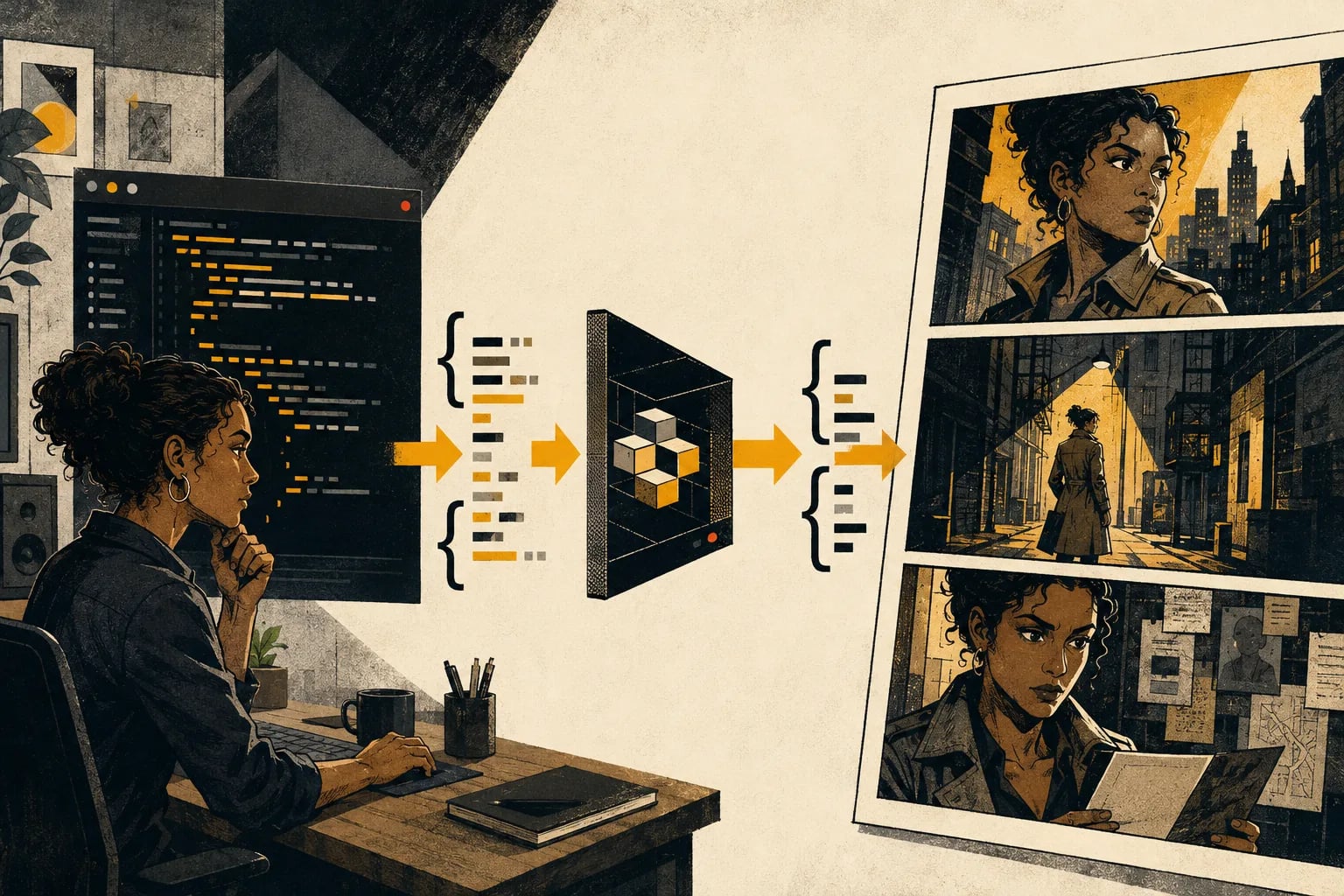
The sequence makes the authenticated POST, stored generation ID, status check, and final asset delivery visible at a glance.
Capability and boundary facts
Facts an integration can verify.
Last verified:
- Endpoint
- POST /v1/comics/generations
- Authentication
- Bearer API key
- Lifecycle
- QUEUED → PROCESSING → PROCESSED or FAILED
- Delivery
- Poll by generation ID or use a callback URL
- Runtime
- Node.js or another trusted server runtime with fetch
Good fit
Use it when
- Node.js backends
- Serverless functions
- Queue workers
Wrong fit
Do not use it for
- Browser-only applications with an exposed token
- Infinite polling loops
- Ignoring non-2xx responses
Production limits
Plan for the boundaries.
- 01Add bounded polling, abort signals, and response checks before production use.
- 02Store secrets in the deployment platform's server-side environment settings.
- 03Generation is asynchronous; production interfaces must handle processing and failure states.
- 04Outputs should be reviewed against product, brand, safety, and print requirements before delivery.
- 05You must have the rights to prompts, photos, scripts, and reference assets submitted to the API.
Authoritative sources
Questions
Direct answers before you integrate.
01Can I call the Comic API from browser JavaScript?
02How often should I poll?
03What do I store after create?
Next step
Move from evidence to a real API request.
LlamaGen provides the playground, API key, usage, billing, and authoritative service documentation.
Get a key and copy the code