Do you need a fixed short sequence?
Start with the comic strip path for a bounded three- or four-panel product experience.
Review the comic strip workflowComic generation formats
Format pages separate the output shape from the underlying generation lifecycle. Start with the artifact your product needs, then verify its inputs, response structure, operational limits, and final visual evidence.
Get an API keyAccount, API key, usage, and billing open on LlamaGen.AI.
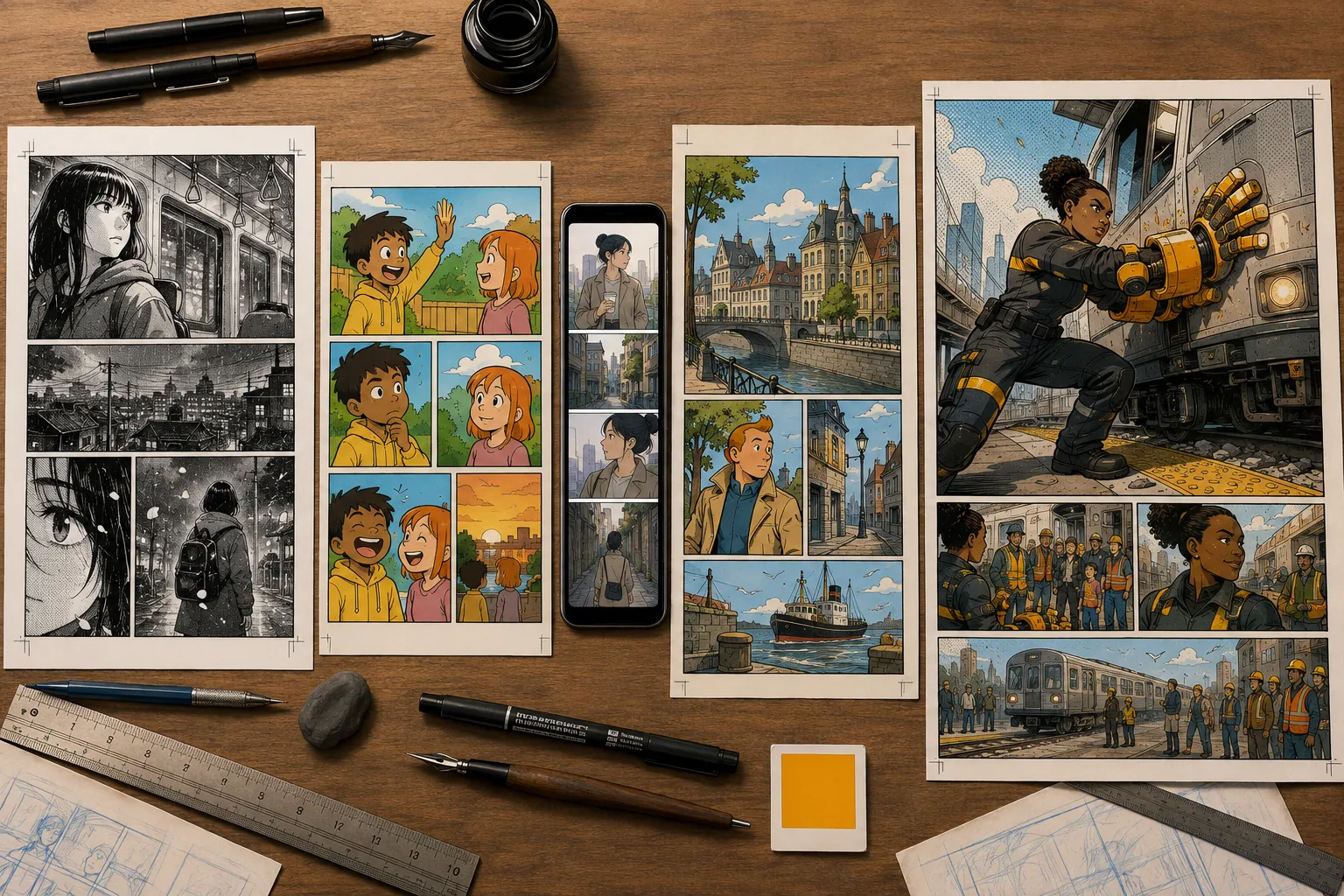
Direct answer
Last verified:
Use the manga, comic strip, or webtoon paths when layout is the main decision. Use story-to-comic or image-to-comic when the source material is the main decision. Use character consistency when recurring identity is the primary production constraint, and use MCP when an AI agent—not application code—initiates the work.
Search by intent
Open the page that matches the decision you are making. Each page links its claims to the official LlamaGen API specification and service sources.
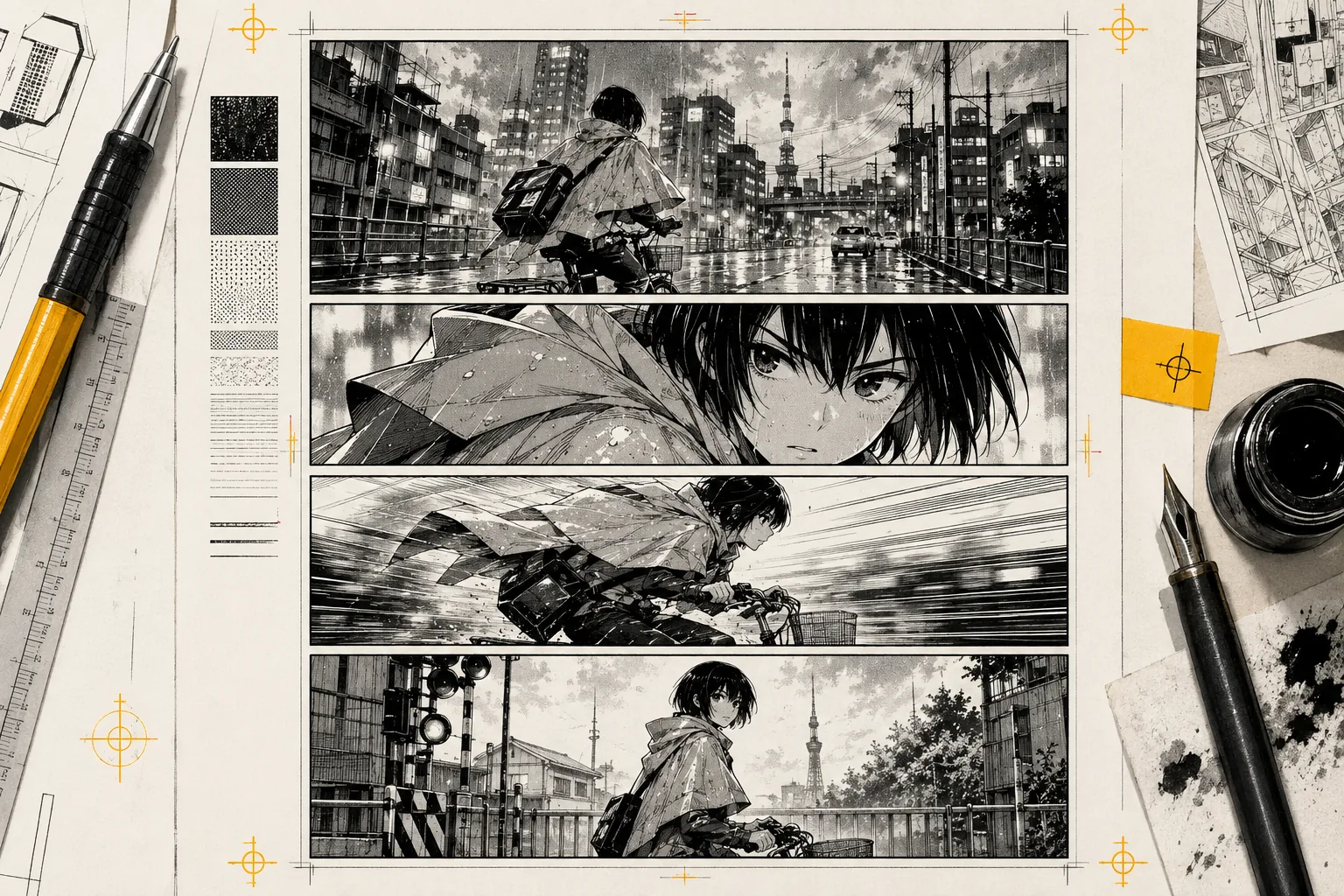
The Manga API workflow sends story direction, manga style instructions, recurring characters, panel structure, and output size to the comic generation endpoint.
Art direction · Japanese monochrome manga
manga api · ai manga api
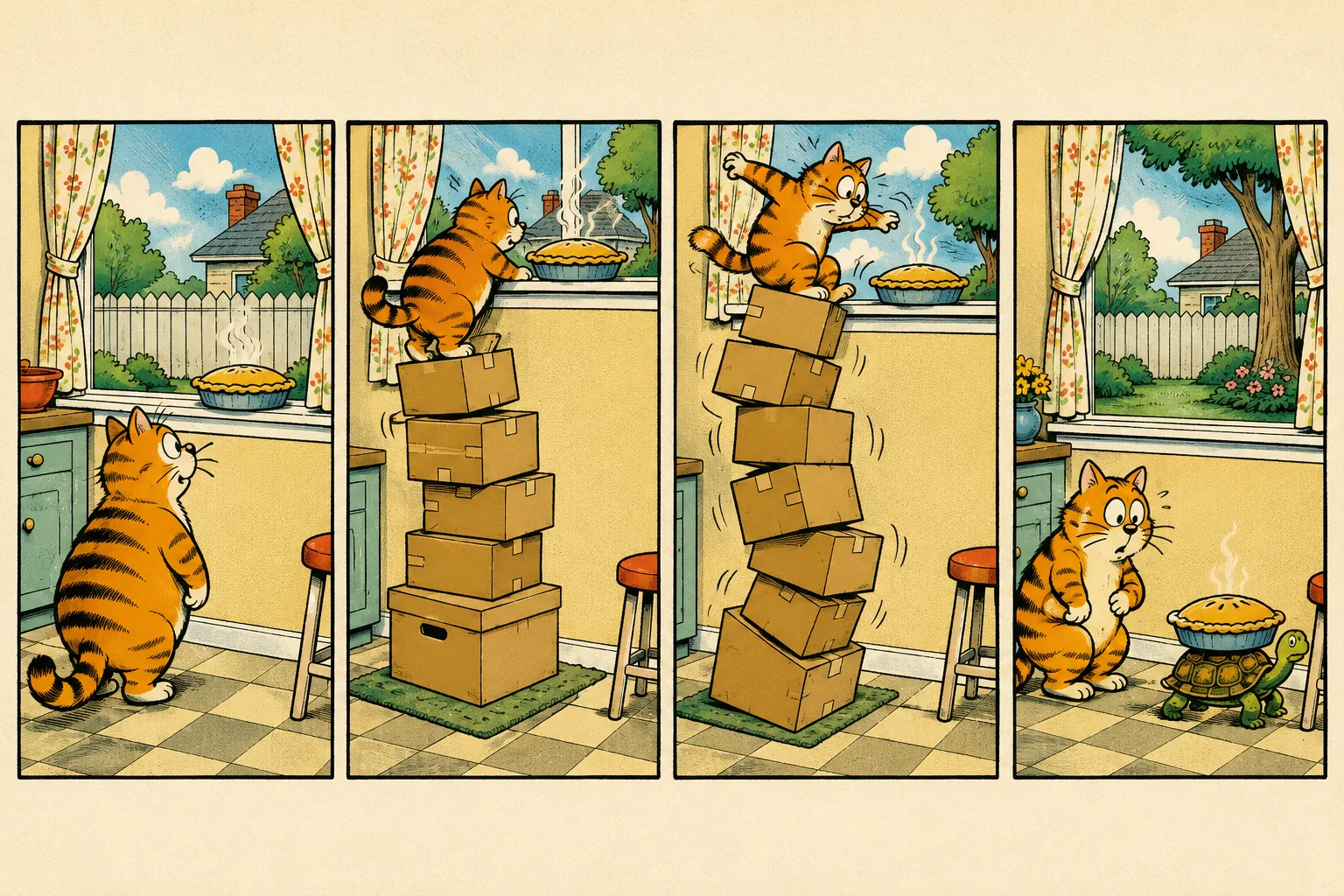
A comic strip request defines a compact story arc, a fixed panel count, recurring roles, and a square or landscape output.
Art direction · American Sunday newspaper cartoon
comic strip api · comic panel api
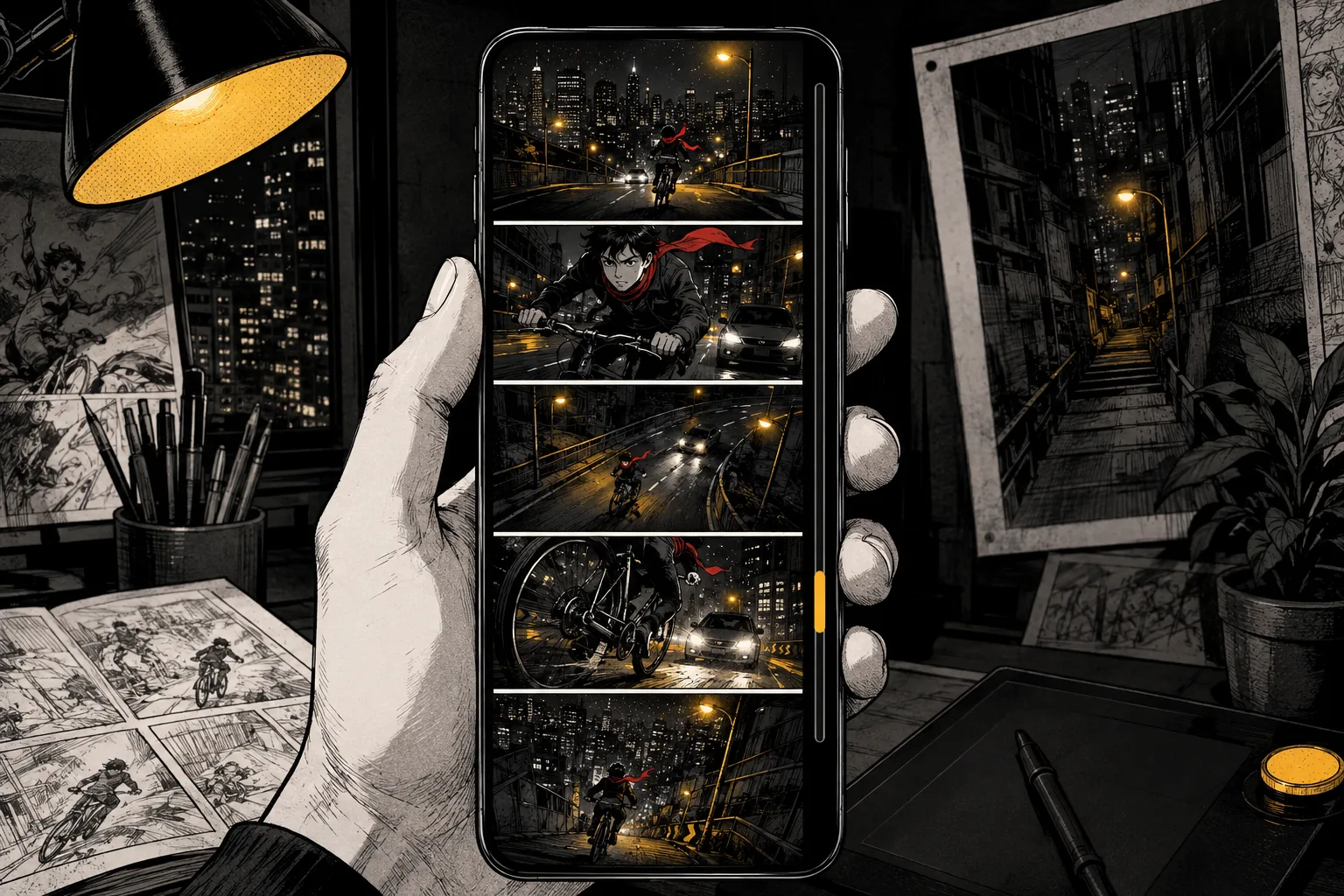
A webtoon API request combines tall output dimensions, serialized page structure, character references, and scene instructions for vertical reading products.
Art direction · Contemporary vertical webtoon
webtoon api · vertical comic api
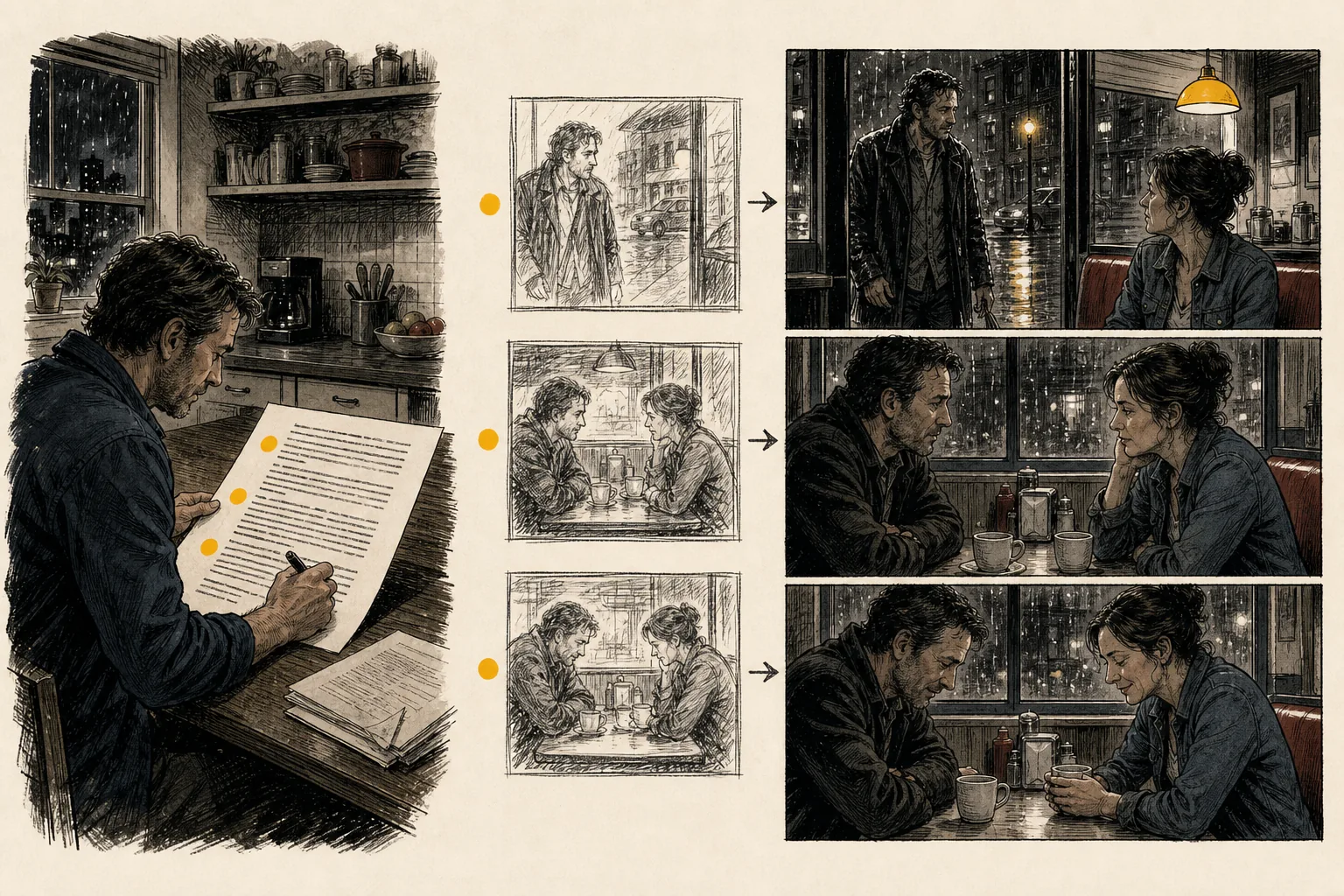
The story-to-comic workflow accepts prompt text or a signed story file, then combines it with pagination, roles, locations, and language settings.
Art direction · American indie graphic novel
story to comic api · script to comic api
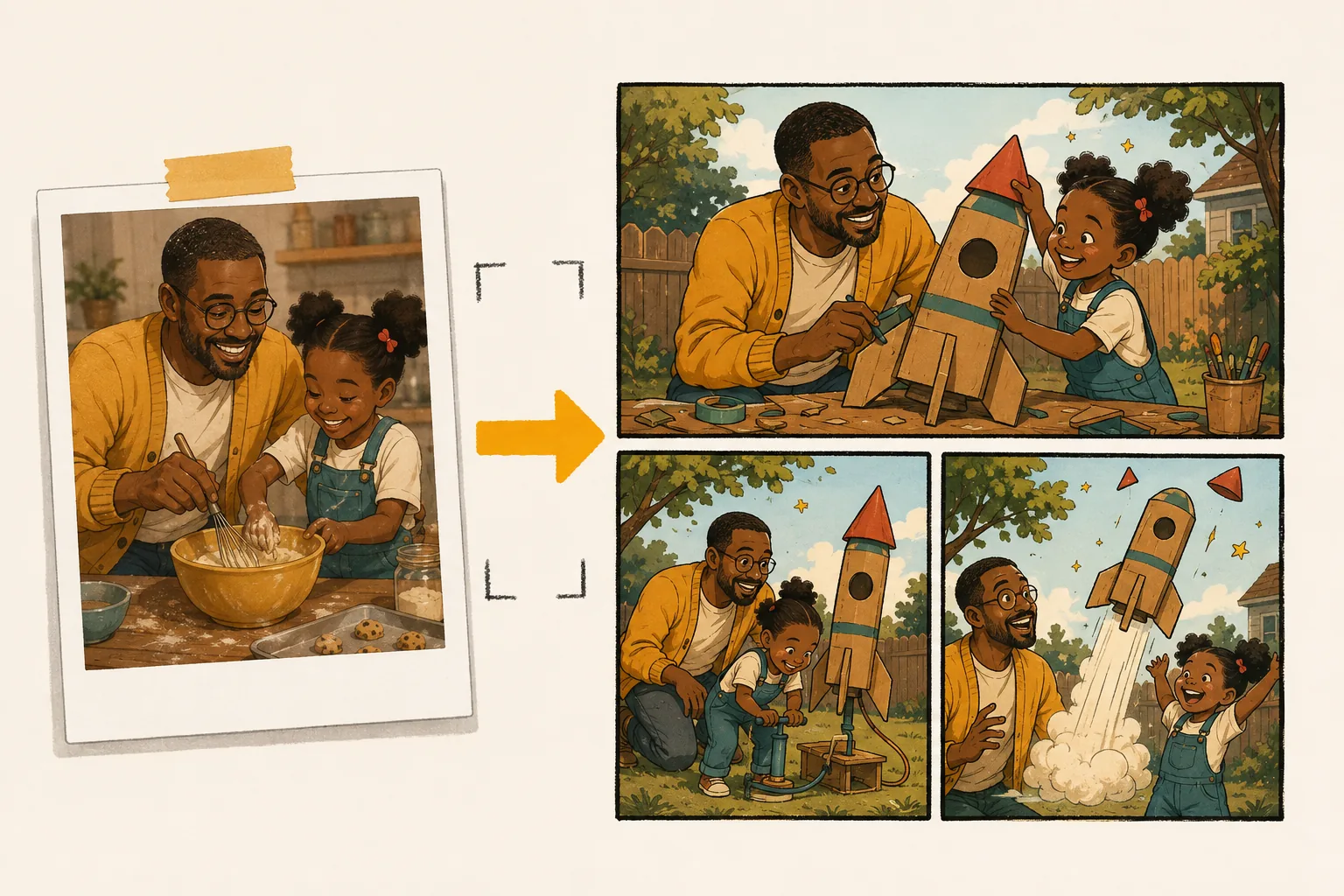
The image-to-comic workflow uploads or references source images, then passes those assets with story direction, character definitions, and panel settings.
Art direction · Western family cartoon
image to comic api · photo to comic api
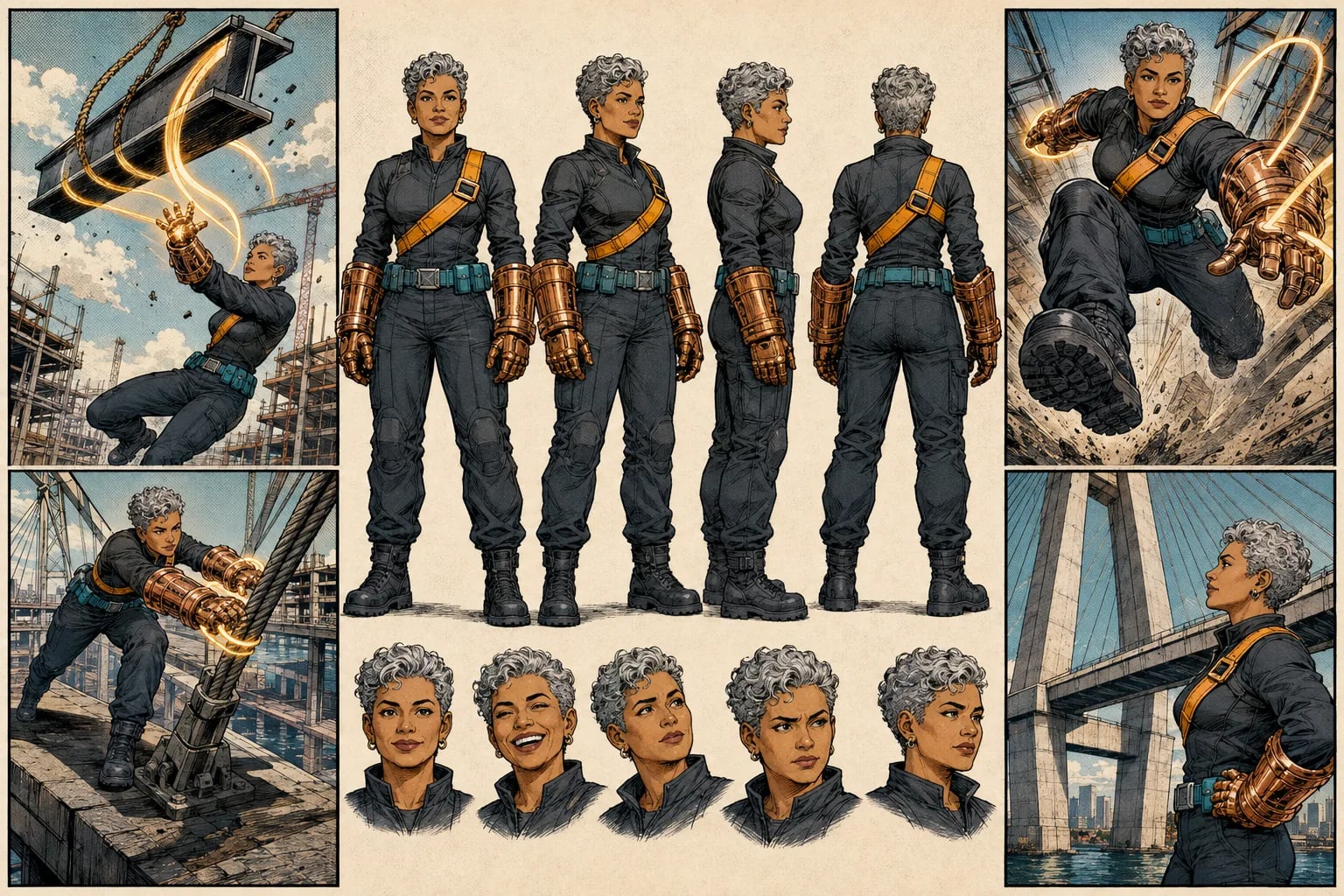
Character consistency starts with explicit named roles, reference images, wardrobe, age, relationships, and scene context supplied in the request.
Art direction · Original American superhero comic
character consistency api · consistent character api
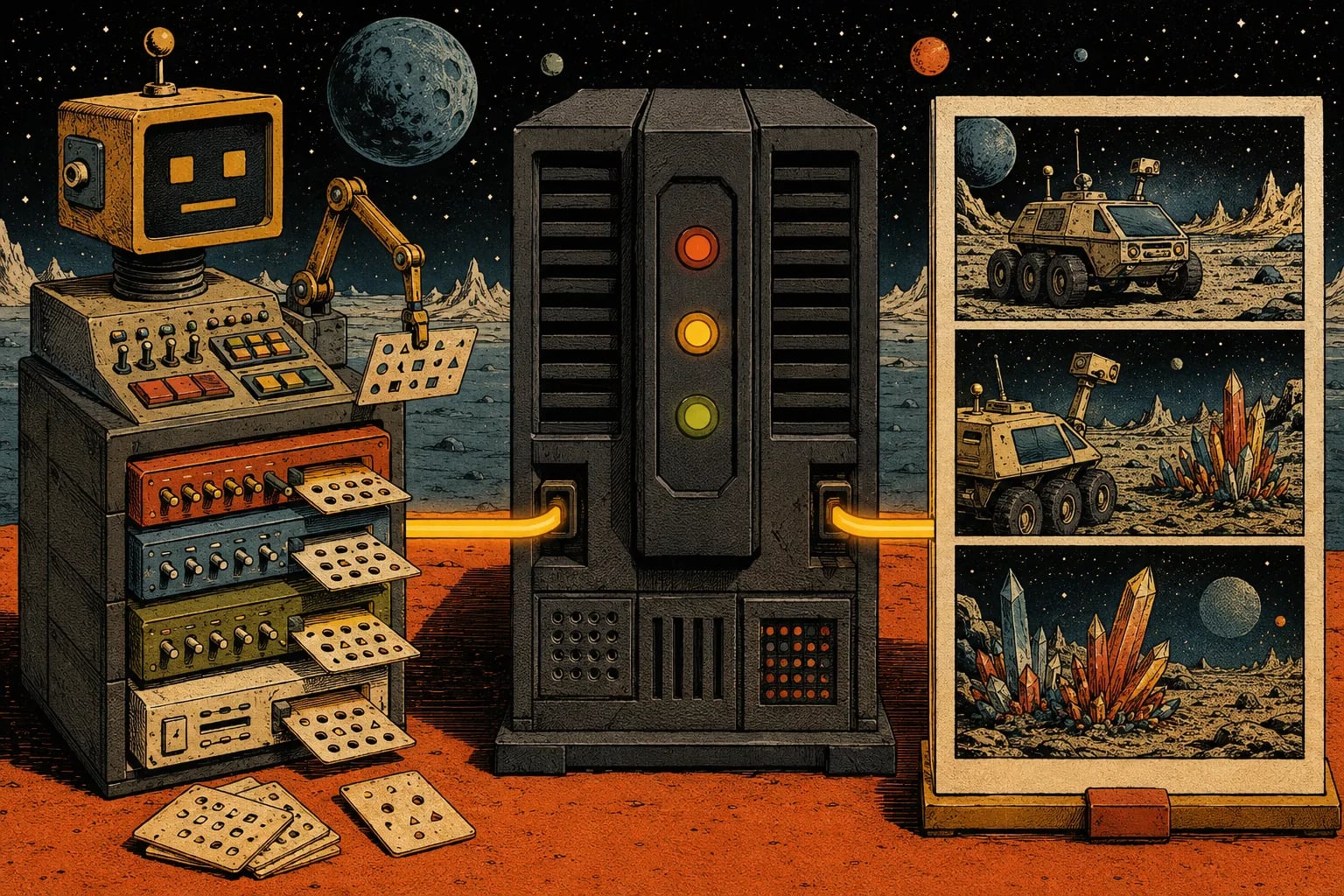
The remote MCP server exposes comic creation and related tools to compatible agent clients, using the same underlying LlamaGen Comic API lifecycle.
Art direction · Retro American science-fiction pulp
comic mcp server · comic mcp
Decision guide
Start with the comic strip path for a bounded three- or four-panel product experience.
Review the comic strip workflowChoose story-to-comic for written source material and image-to-comic for photos, sketches, or product references.
Compare story-driven inputReview the character consistency path before committing to a recurring-content workflow.
Evaluate character continuityAuthoritative sources
ComicsAPI.com organizes discovery and evaluation. LlamaGen.AI remains the authority for the API contract, authentication, current pricing, account access, and service status.
Next step
Create the account and API key on LlamaGen.AI, then return to the relevant implementation path when you need request, response, and operational evidence.
Get an API key