Reference upload guide
Upload a reference image before creating a comic.
The LlamaGen upload operation accepts one multipart file and returns a fileUrl that a later comic-generation request can reference in images, roles, or other supported image fields.
Uploading stores an input for a later request; it does not transform the image or start a comic generation. The separate image-to-comic workflow begins only when your server creates a generation.
Open the upload documentationAccount, API key, usage, and billing open on LlamaGen.AI.
Direct answer
The decision this page is for.
Last verified:
Upload a comic reference with an authenticated multipart POST to /v1/comics/upload. The response supplies a fileUrl for a later generation request; the upload itself does not generate a comic. Validate the bytes, keep the bearer token server-side, and disclose consent and retention separately.
Verifiable request
Multipart upload from a trusted server
curl -X POST \
  https://api.llamagen.ai/v1/comics/upload \
  -H "Authorization: Bearer $LLAMAGEN_API_KEY" \
  -F "file=@./references/hero-turnaround.webp"
Structured response
State your application can route
{
  "fileUrl": "https://cdn.llamagen.ai/uploads/example-reference.webp"
}
Upload walkthrough
Move a consented reference into a reviewable comic workflow.
The lived-in scene connects a private source image, its uploaded file reference, a finished comic proof, and human review.
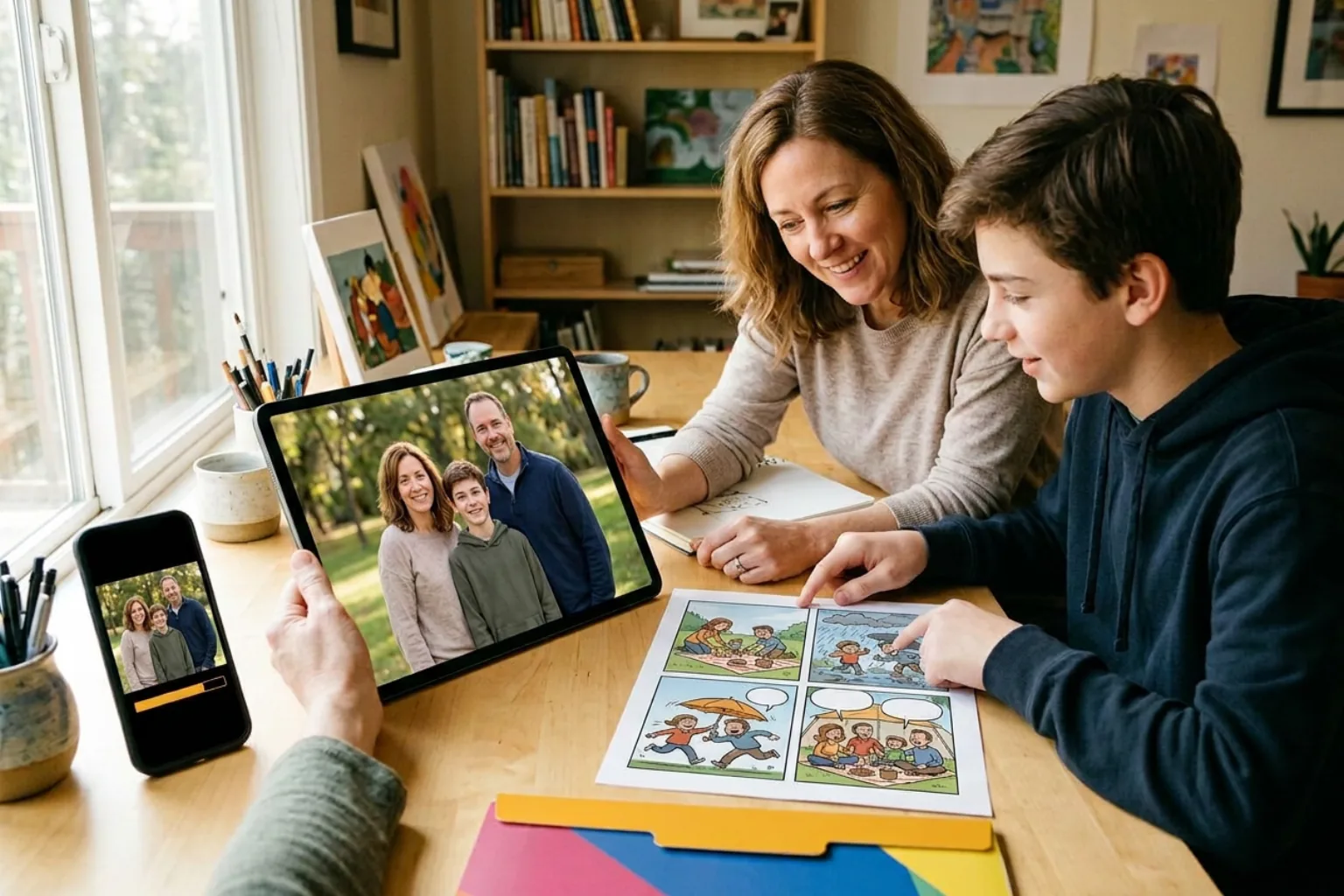
Two-operation workflow
Validate the source first, then reference the returned URL.
Keeping upload and generation separate makes consent, validation, deletion, retry, and cost boundaries visible in the product.
- 01Your application
Accept the source
Authenticate the user, record consent and purpose, then apply a strict size and file-type policy.
- 02Upload service
Inspect the bytes
Check extension, media signature, filename, and image-decoding success before sending the file upstream.
- 03Server
Upload once
POST the multipart file with the bearer token kept in a trusted runtime.
- 04Application database
Store the reference
Associate the returned fileUrl with a private customization or character record, not with public customer metadata.
- 05Comics API
Create the comic
Place the fileUrl in the appropriate supported image field and create a separate generation job.
- 06Your application
Apply retention
Delete local sources and mappings according to the policy disclosed to the uploader; confirm upstream retention separately.
Capability and boundary facts
Facts an integration can verify.
Last verified:
- Operation
- POST /v1/comics/upload
- Request encoding
- multipart/form-data with one file field
- Success field
- fileUrl returned by the upload operation
- Documented failures
- 400, 403, 413, and 500 responses
- Verification
- Contract checked against the LlamaGen OpenAPI file on 2026-10-28
Good fit
Use it when
- Photo-to-comic products with server-side uploads
- Recurring character and product references
- Separating customer upload state from asynchronous generation state
Wrong fit
Do not use it for
- Starting a generation by upload alone
- Exposing the bearer token in browser code
- Treating a returned URL as a permanent public archive
Production limits
Plan for the boundaries.
- 01The public OpenAPI contract does not state a complete file-extension allowlist or retention duration; confirm current rules with LlamaGen before promising either to users.
- 02Validate extension, media signature, size, and authorization before forwarding an upload; a browser-supplied Content-Type is not sufficient validation.
- 03Keep identifiable source images private, obtain permission from the people shown, and expose only a short-lived application URL where your product controls access.
- 04The example file URL is illustrative and was not produced by a live request from this page.
- 05Generation is asynchronous; production interfaces must handle processing and failure states.
- 06Outputs should be reviewed against product, brand, safety, and print requirements before delivery.
- 07You must have the rights to prompts, photos, scripts, and reference assets submitted to the API.
Questions
Direct answers before you integrate.
01Does uploading an image start comic generation?
02Which upload formats and retention period does LlamaGen guarantee?
03Can the browser upload directly with my API key?
Next step
Move from evidence to a real API request.
LlamaGen provides the playground, API key, usage, billing, and authoritative service documentation.
Open the upload documentation