Resolution decision guide
Choose the comic canvas before requesting 2K or 4K output.
The create request separates the base size field from the optional upscale field, whose documented values are an empty string, 2K, or 4K.
A higher-resolution generation is still an image asset, not a press-ready file. Trim, bleed, safe zones, color mode, lettering, compression, and printer validation remain a separate prepress workflow.
Check current upscale accessAccount, API key, usage, and billing open on LlamaGen.AI.
Direct answer
The decision this page is for.
Last verified:
Choose a documented base size, then optionally send upscale as an empty string, 2K, or 4K. Continue-write and panel regeneration inherit the original upscale setting. Higher resolution is still an image output, not proof of DPI, trim, bleed, color profile, or print readiness.
Verifiable request
Request a wide comic with 2K upscaling
curl -X POST \
  https://api.llamagen.ai/v1/comics/generations \
  -H "Authorization: Bearer $LLAMAGEN_API_KEY" \
  -H "Content-Type: application/json" \
  -d '{
  "prompt": "An original wide-format retro science-fiction rescue in four panels.",
  "fixPanelNum": 4,
  "size": "768x512",
  "upscale": "2K"
}'
Structured response
State your application can route
{
  "id": "gen_abc123",
  "status": "LOADING"
}
Resolution walkthrough
Inspect the returned pixels before promising a physical product.
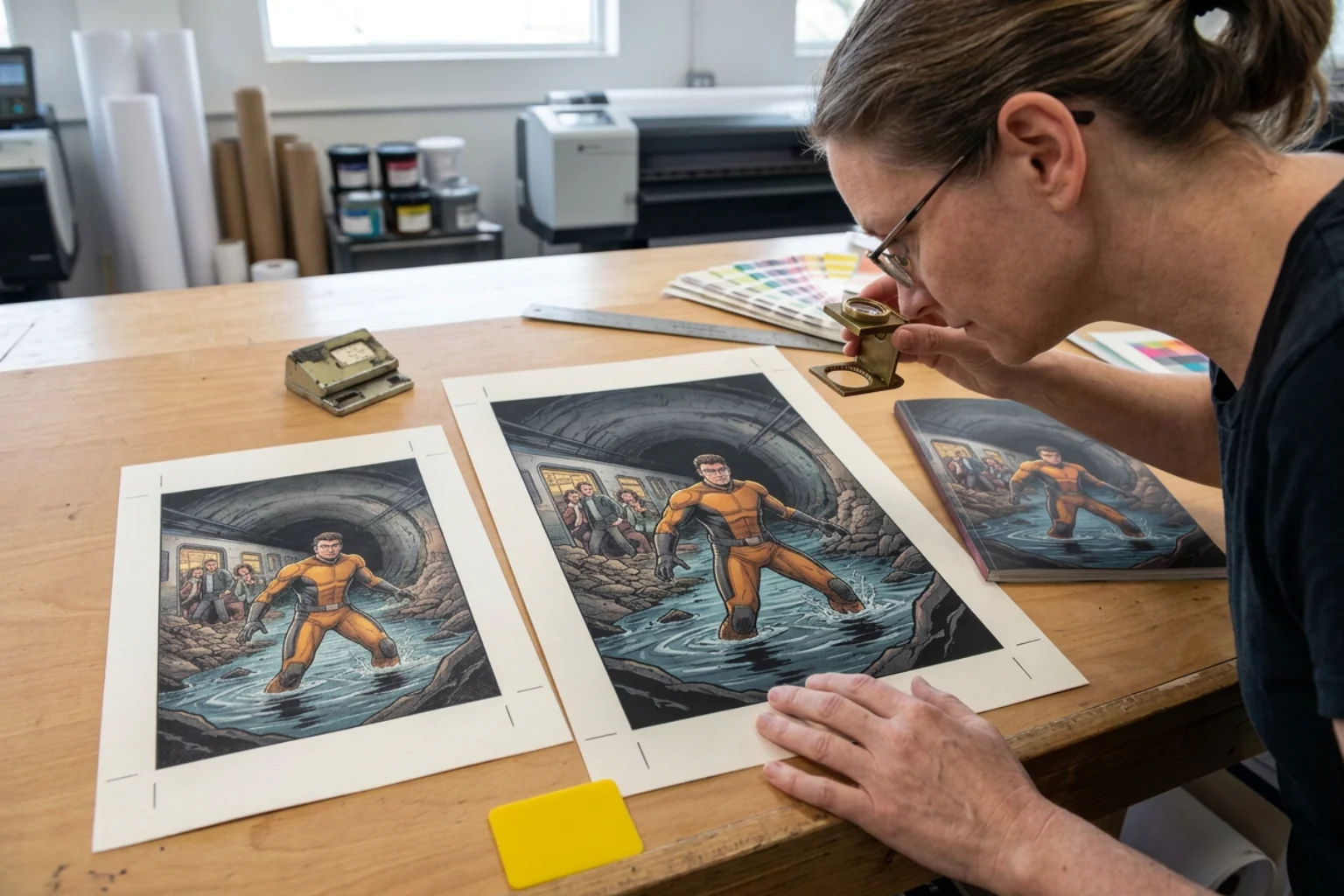
The print-studio comparison separates a higher-resolution image request from lettering review, measurement, and destination-specific preflight.
Resolution workflow
Choose for the delivery surface, then inspect the returned file.
Resolution is a product decision that belongs beside intended display size, expected crop, lettering review, and the actual printer or platform requirements.
- 01Product or publisher
Define delivery
Record the target screen, crop, print product, or export before choosing a canvas.
- 02Account owner
Verify access
Check current feature eligibility and the complete pricing matrix on LlamaGen before the request.
- 03Server
Set size and upscale
Use one documented base size and the exact upscale value on the initial generation.
- 04Application
Persist the choice
Store the requested settings because continuation and panel regeneration inherit the original upscale mode.
- 05Reviewer
Inspect the asset
Measure the returned file and inspect characters, lettering, edges, compression, and crop at the intended display size.
- 06Export or print service
Run preflight
Apply the destination's current trim, bleed, safe-zone, color, format, and proof requirements separately.
Capability and boundary facts
Facts an integration can verify.
Last verified:
- Base field
- size in a documented WIDTHxHEIGHT preset
- Upscale field
- upscale, not upscaled
- Documented values
- Empty string, 2K, or 4K
- Inheritance
- Continue-write and panel regeneration inherit the original setting
- Commercial source
- Current eligibility, complete pricing, and purchase remain on LlamaGen
- Verification
- LlamaGen docs, OpenAPI, and pricing checked on 2026-10-29
Good fit
Use it when
- Large digital presentations
- Print workflows with a separate preflight stage
- Products that record one resolution choice at generation time
Wrong fit
Do not use it for
- Treating 2K or 4K as a print specification
- Changing inherited upscale settings during continuation
- Promising quality gains without inspecting the returned file
Production limits
Plan for the boundaries.
- 01Do not infer DPI, physical dimensions, trim, bleed, color profile, or print readiness from a 2K or 4K label.
- 02The current documentation lists several base size presets, but downstream processing can still require inspecting the actual returned asset before product delivery.
- 03Upscaling availability and credit cost are commercial facts that can change. This page does not own a partial price list; verify the complete current matrix and purchase on LlamaGen.
- 04No paid 2K or 4K request was executed for this page, so it makes no claim about file size, speed, lettering accuracy, or measured detail improvement.
- 05Generation is asynchronous; production interfaces must handle processing and failure states.
- 06Outputs should be reviewed against product, brand, safety, and print requirements before delivery.
- 07You must have the rights to prompts, photos, scripts, and reference assets submitted to the API.
Questions
Direct answers before you integrate.
01What values does the upscale field accept?
02Can continuation or panel regeneration change the upscale mode?
03Does 4K mean the comic is print-ready?
04Where do I verify access, price, and purchase?
Next step
Move from evidence to a real API request.
LlamaGen provides the playground, API key, usage, billing, and authoritative service documentation.
Check current upscale access